
Unlocking Cost-Effective Website Design Options for Your Business

Starting a website can feel overwhelming, especially when you’re worried about costs. But guess what? You don’t have to break the bank to get a professional, eye-catching site. I’m here to share some smart, cost-effective website design options that can help you build a strong online presence without draining your budget. Ready to dive in? Let’s go!
Exploring Cost-Effective Website Design Options
When it comes to building a website, there are plenty of ways to keep costs down without sacrificing quality. Here are some options I’ve found work well for small businesses and individuals:
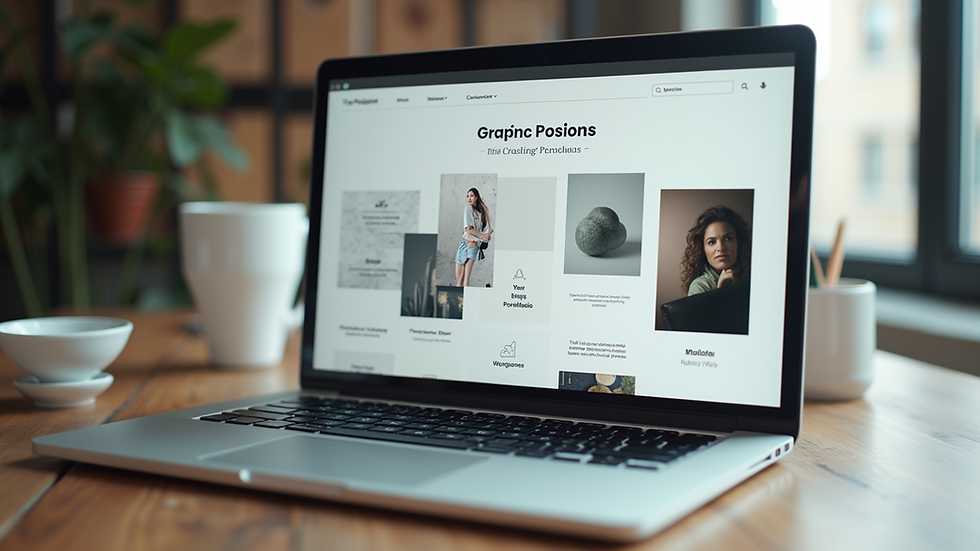
DIY Website Builders: Platforms like Wix, Squarespace, and WordPress offer easy drag-and-drop tools. You can create a sleek site yourself with minimal technical skills. Plus, they often have affordable monthly plans.
Freelance Designers: Hiring a freelancer can be a budget-friendly alternative to agencies. You get personalised service and can negotiate prices based on your needs.
Template Customisation: Many designers offer pre-made templates that you can tweak to fit your brand. This saves time and money compared to a fully custom design.
Local Design Students: Sometimes, students studying web design are eager to build their portfolios. You might find talented individuals willing to work at lower rates.
Each of these options has pros and cons, but the key is to find what fits your goals and budget best. Remember, a simple, clean design often works better than a complicated one!

Why Investing in Good Design Matters
You might wonder, “Why should I invest in web design at all?” Well, your website is often the first impression people get of your business. A well-designed site can:
Build trust and credibility
Make it easy for visitors to find information
Encourage visitors to take action, like contacting you or making a purchase
Reflect your brand’s personality and values
Even if you’re on a tight budget, spending some time and money on design pays off. It’s not just about looking good; it’s about creating a smooth experience that keeps visitors coming back.
What is the 3 Second Rule in Website Design?
Here’s a quick tip that can make a huge difference: the 3 second rule. It means your website should clearly communicate what you offer within the first three seconds of someone landing on your page. Why? Because people’s attention spans are short!
If visitors don’t understand your message quickly, they’ll click away. To nail this rule:
Use a clear headline that states your service or product
Include a strong call to action (like “Get a free quote” or “Shop now”)
Keep your design clean and uncluttered
Use images that support your message
This rule helps you focus on what really matters and avoid overwhelming your visitors.

How to Find Affordable Web Design Services
Finding affordable web design services doesn’t have to be a treasure hunt. Here are some practical steps to help you:
Define Your Needs: Write down what you want your website to do. Do you need an online store? A blog? Just a simple portfolio? Knowing this helps you avoid paying for extras you don’t need.
Set a Budget: Decide how much you can realistically spend. This keeps you focused and helps you communicate clearly with designers.
Ask for Quotes: Reach out to several designers or agencies. Compare their prices, but also look at their portfolios and reviews.
Check for Packages: Some providers offer fixed-price packages for small businesses. These can be great value.
Look Locally: Designers in your area might offer better rates and more personalised service. Plus, you can meet face-to-face if needed.
By following these steps, you’ll find a service that fits your budget and delivers quality.
Tips for Maintaining Your Website on a Budget
Once your website is live, keeping it updated and running smoothly is key. Here are some tips to manage this without extra costs:
Learn Basic Updates: Most platforms let you update text and images yourself. Spend a little time learning how to do this.
Use Free Tools: Tools like Google Analytics help you track visitors for free. Free SEO plugins can improve your site’s visibility.
Schedule Regular Backups: Protect your site by backing it up regularly. Many hosts offer this feature.
Keep It Simple: Avoid adding too many plugins or features that slow down your site or require paid upgrades.
Ask for Support: If you hired a designer, check if they offer affordable maintenance packages.
Maintaining your site doesn’t have to be expensive or complicated!
Your Website is Your Digital Front Door
Think of your website as your digital front door. It’s where people come to learn about you, your services, and what makes you unique. With the right approach, you can unlock affordable web design services that help you open that door wide and welcome visitors in style.
Remember, a great website doesn’t have to cost a fortune. With smart choices and a clear plan, you can create a site that looks professional, works well, and grows your business.
Ready to get started? Your perfect website is just around the corner!

Comments